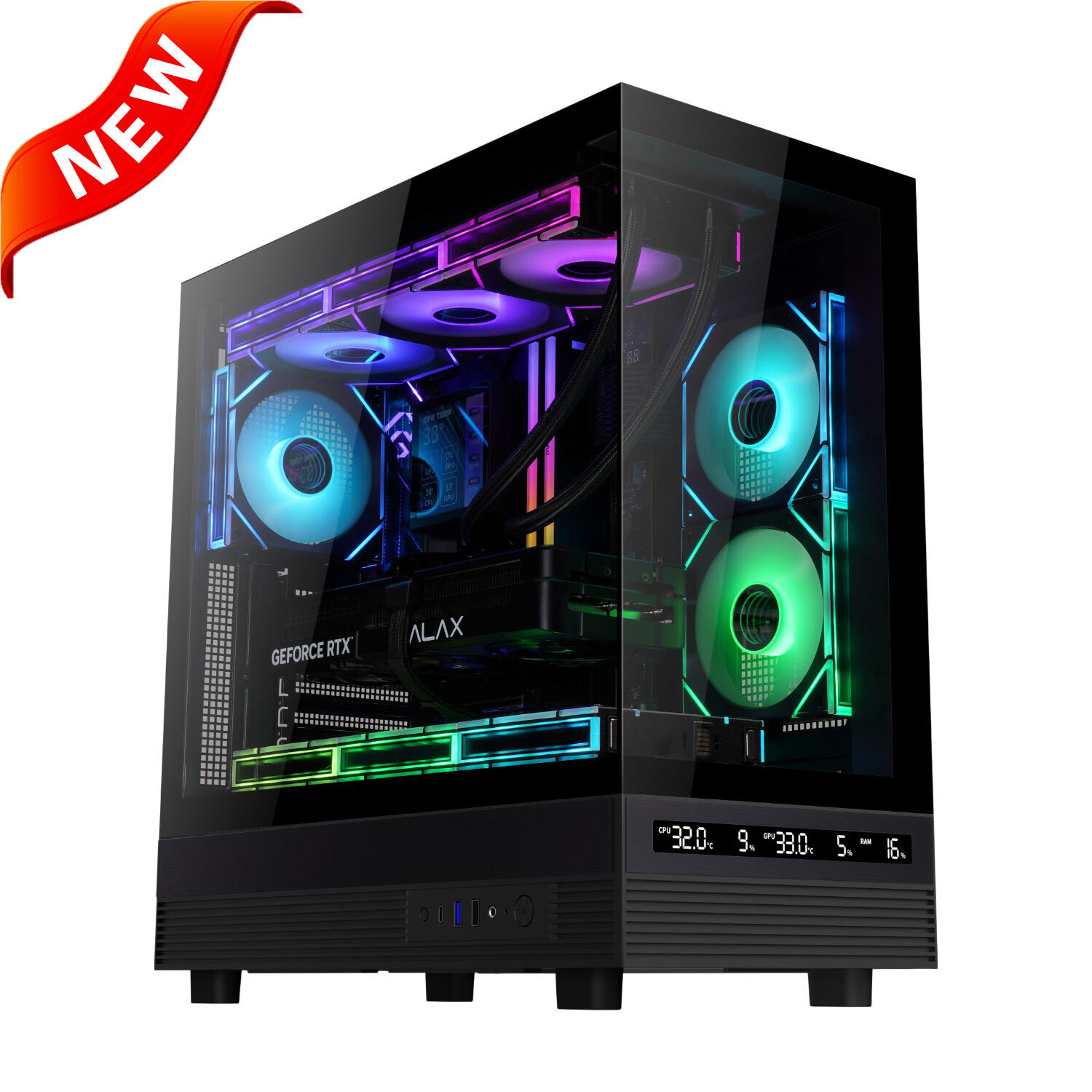
CPU Cooler with Display: Advanced Cooling Solutions with Real-Time Monitoring Technology

Get a Free Quote

Our representative will contact you soon.
Email
Name
Company Name
Message
0/1000

cpu cooler with display

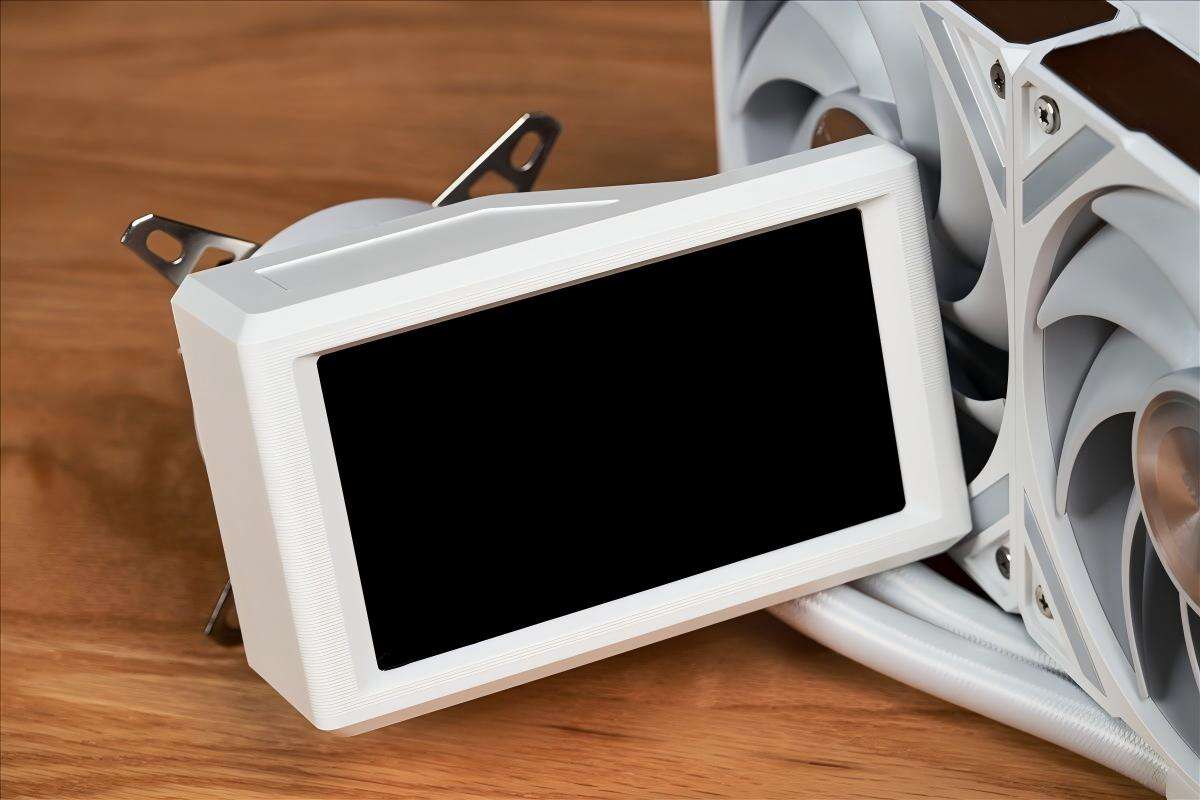
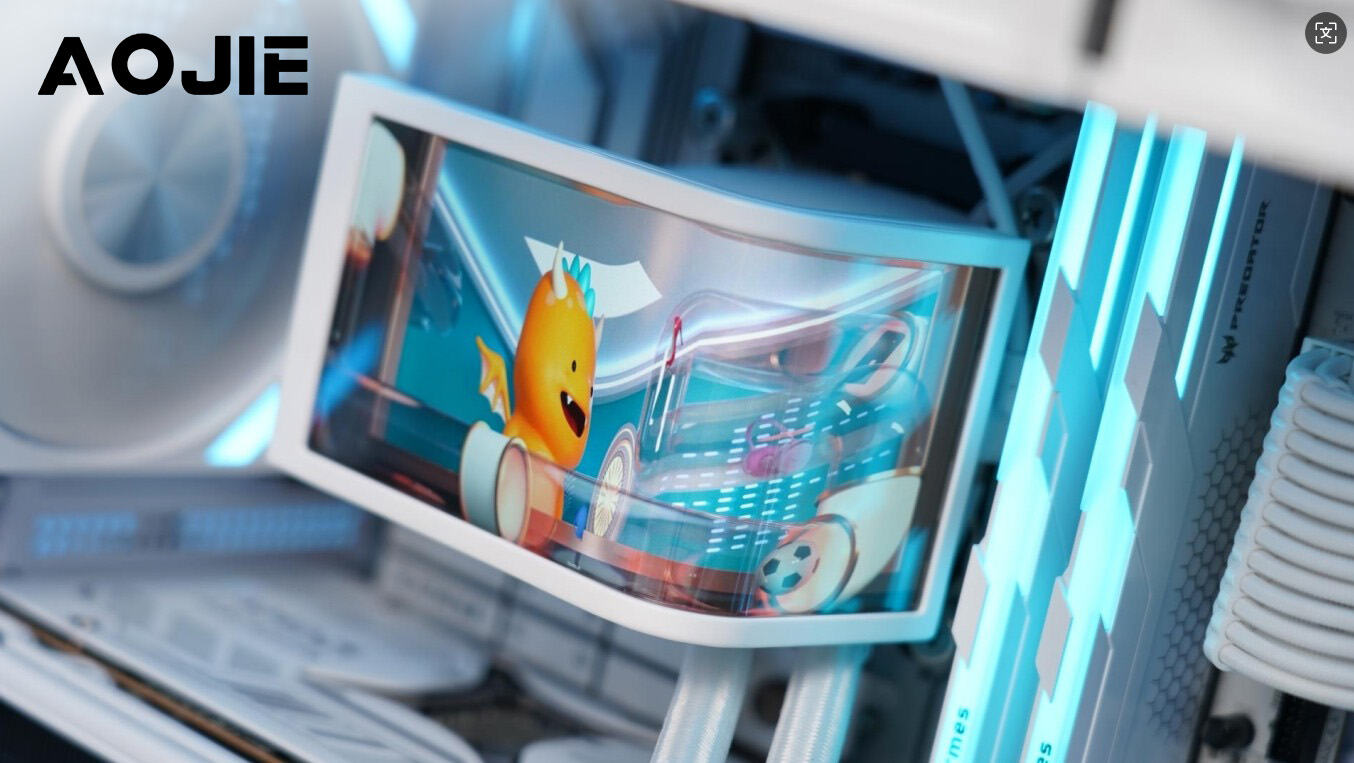
A cpu cooler with display represents a revolutionary advancement in computer cooling technology, combining traditional thermal management with modern visual communication capabilities. This innovative cooling solution integrates a high-resolution LCD or OLED screen directly into the cooler's design, transforming what was once a purely functional component into an interactive information hub. The primary function of any cpu cooler with display remains thermal regulation, utilizing advanced heat dissipation mechanisms such as heat pipes, aluminum or copper fins, and powerful fans to maintain optimal processor temperatures. However, the integrated display elevates this basic functionality by providing real-time monitoring capabilities, customizable visual interfaces, and aesthetic enhancement options that appeal to both performance enthusiasts and casual users. The technological features of a cpu cooler with display encompass sophisticated temperature sensors that continuously monitor CPU thermal conditions, displaying this critical information through vibrant, easy-to-read graphics and numerical data. These displays typically support various visualization modes, including temperature graphs, system status indicators, custom logos, animations, and even GIF playback functionality. The screen technology employed ranges from compact 2.1-inch LCD panels to larger OLED displays, offering crisp resolution and excellent viewing angles. Advanced models incorporate RGB lighting synchronization, allowing the display content to coordinate with other system lighting elements for cohesive aesthetic themes. Applications for cpu cooler with display extend beyond gaming and enthusiast builds, finding utility in professional workstations, content creation systems, and even commercial computing environments where visual monitoring provides operational advantages. The display functionality proves particularly valuable during system diagnostics, overclocking procedures, and performance testing scenarios where immediate visual feedback enhances user control and system understanding.

New Product Releases

The cpu cooler with display delivers exceptional advantages that transform both system monitoring and aesthetic appeal for modern computer users. Temperature monitoring becomes effortless when critical thermal data appears directly on your cooling system, eliminating the need to launch separate monitoring software or navigate complex system menus. This real-time visibility enables proactive thermal management, allowing users to identify potential overheating issues before they impact system performance or component longevity. The immediate visual feedback proves invaluable during intensive computing tasks, gaming sessions, or professional workloads where maintaining optimal temperatures ensures consistent performance output. Customization capabilities represent another significant advantage, as users can personalize their cpu cooler with display to match their unique style preferences and system themes. The ability to upload custom images, logos, animations, and text creates endless possibilities for personal expression while maintaining professional cooling performance. This customization extends to functional displays as well, with options to show system information like clock speeds, voltages, fan RPM, or even external data such as weather updates and social media notifications. Installation simplicity makes cpu cooler with display accessible to users regardless of their technical expertise level. Most models feature standard mounting mechanisms compatible with major processor sockets, while intuitive software interfaces streamline display configuration and content management. The plug-and-play nature of many units means users can enjoy enhanced functionality without complex setup procedures or extensive technical knowledge. Performance benefits extend beyond basic cooling, as the integrated monitoring capabilities help users optimize their system settings for maximum efficiency. By observing real-time temperature data, users can adjust fan curves, modify overclocking parameters, and fine-tune system configurations based on actual thermal performance rather than guesswork. This data-driven approach leads to better system stability, improved component lifespan, and enhanced overall computing experience. The aesthetic transformation achieved by a cpu cooler with display cannot be overstated, as it converts a mundane system component into a focal point that showcases technical sophistication and personal style simultaneously.

Practical Tips

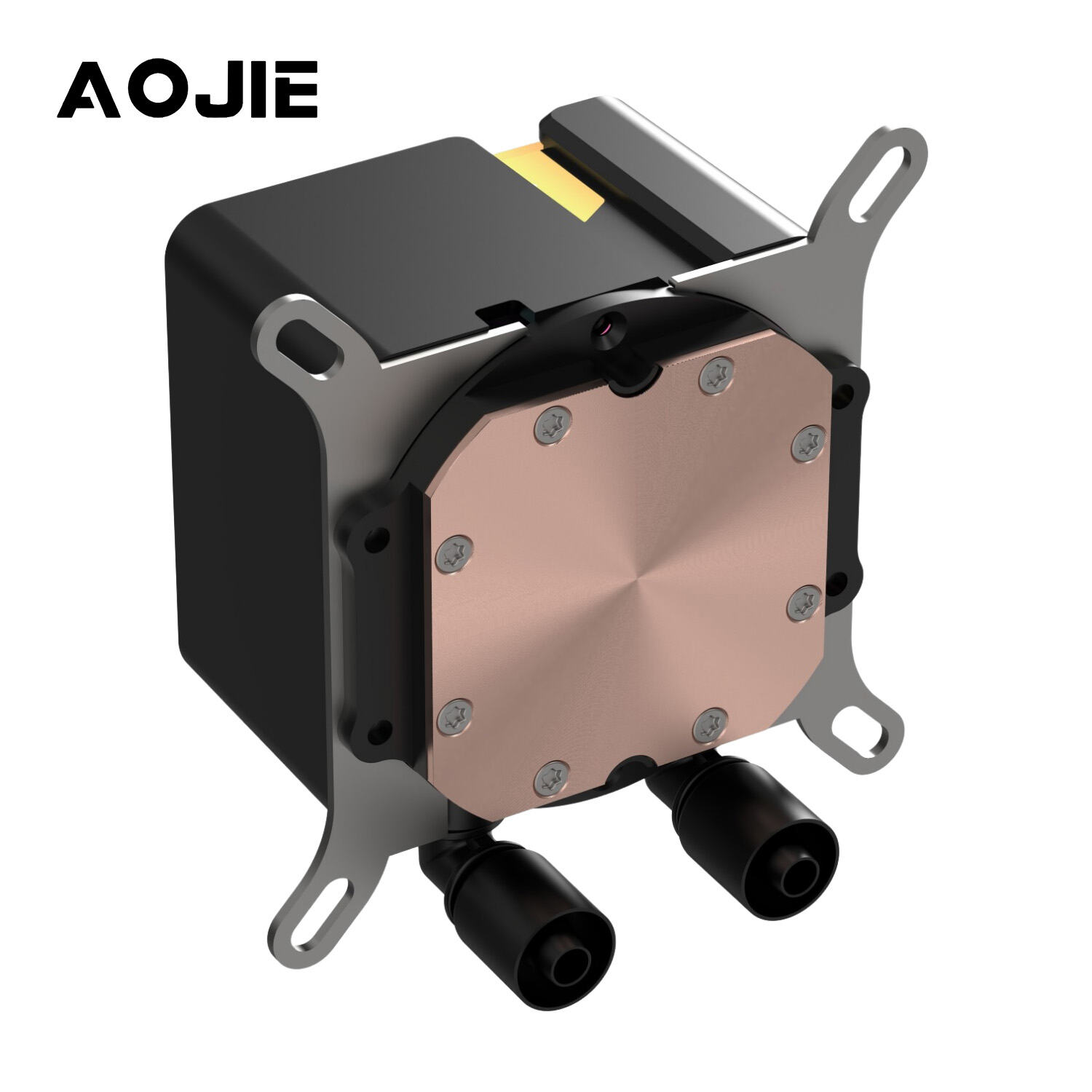
AOJIE YC360-G Display: Redefining AIO Liquid Cooling with a Hidden-Tube Design and a Detachable 5-Inch OLED Screen

05

Feb

AOJIE YC360-G Display: Redefining AIO Liquid Cooling with a Hidden-Tube Design and a Detachable 5-Inch OLED Screen

View More
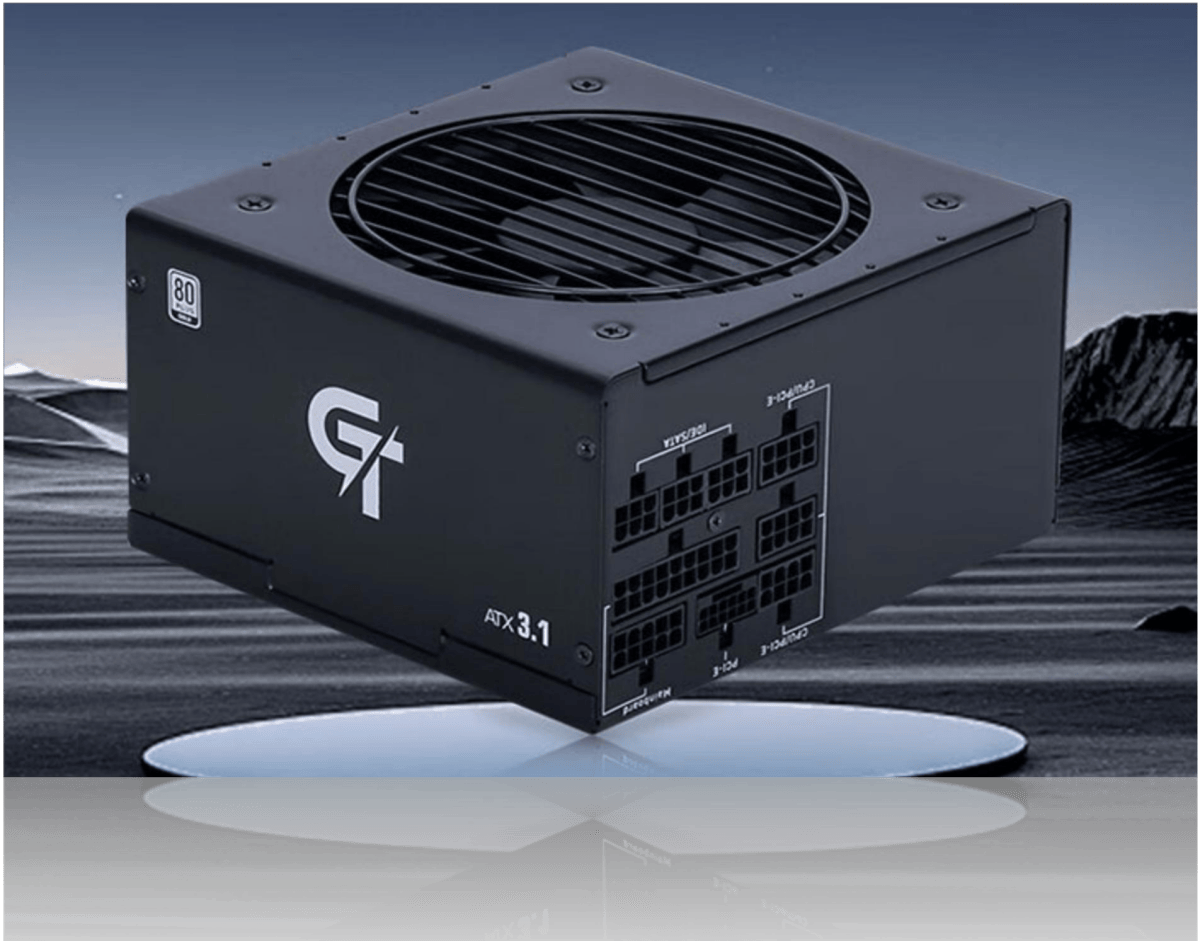
AOJIE Unveils the GT Series Gold Fully Modular Power Supply: Redefining Stability & Efficiency with ATX 3.1 Standard

05

Feb

AOJIE Unveils the GT Series Gold Fully Modular Power Supply: Redefining Stability & Efficiency with ATX 3.1 Standard

View More
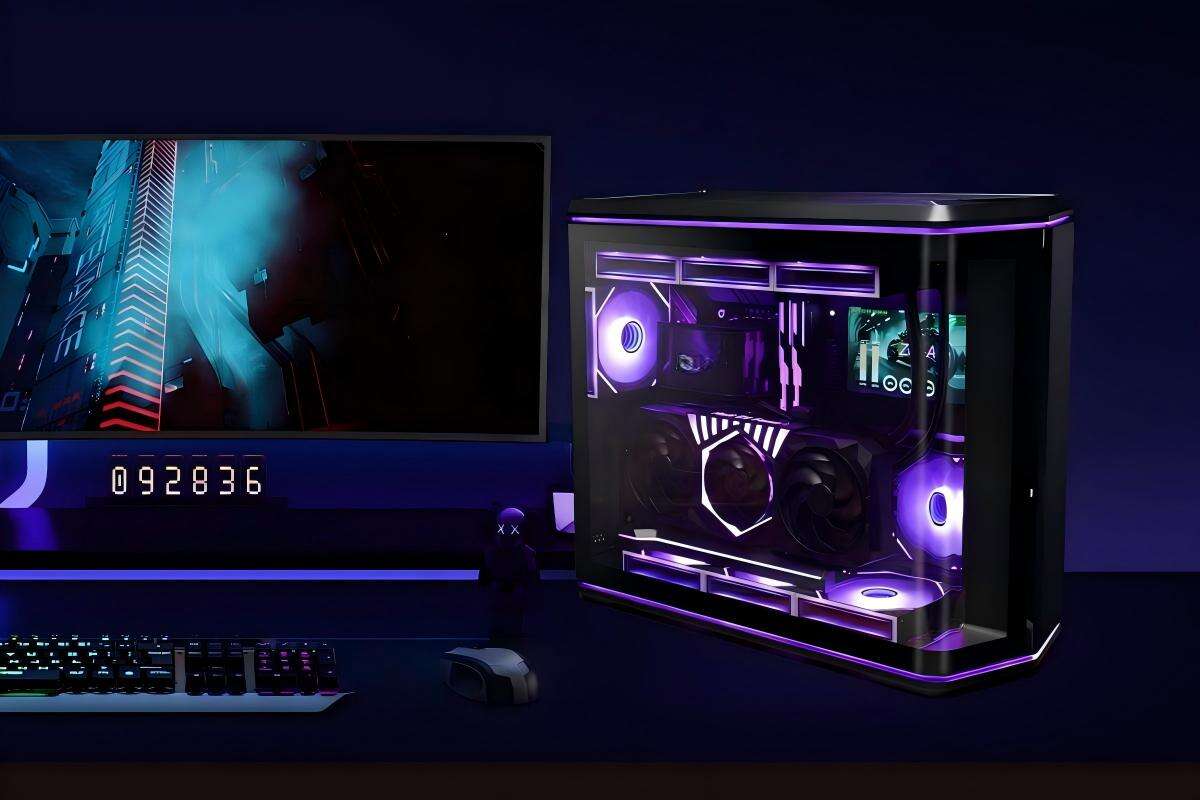
AOJIE Unveils the 235AX Curve: Redefining ATX Aesthetics with an Innovative Curved Glass Gaming PC Case

05

Feb

AOJIE Unveils the 235AX Curve: Redefining ATX Aesthetics with an Innovative Curved Glass Gaming PC Case

View More

Get a Free Quote

Our representative will contact you soon.
Email
Name
Company Name
Message
0/1000

cpu cooler with display

Real-Time Temperature Monitoring and System Health Display

Real-Time Temperature Monitoring and System Health Display

The most compelling feature of any cpu cooler with display lies in its ability to provide continuous, real-time temperature monitoring directly within your field of view. This capability transforms system management from a reactive process to a proactive one, where users maintain constant awareness of their processor's thermal status without interrupting their workflow or gaming experience. The integrated display shows precise temperature readings in both Celsius and Fahrenheit, often updating multiple times per second to reflect even the smallest thermal fluctuations. Advanced models present this information through intuitive graphical interfaces, including colorful temperature gradients, historical temperature charts, and warning indicators that change color as temperatures approach critical thresholds. This immediate visual feedback proves invaluable for overclockers and performance enthusiasts who need to monitor thermal limits while pushing their systems to maximum capability. The display doesn't limit itself to temperature data alone; comprehensive system health information including CPU utilization percentages, memory usage, storage activity, and network statistics can all be presented simultaneously. This centralized information hub eliminates the need for multiple monitoring applications running in the background, reducing system resource consumption while providing more convenient access to critical data. Professional users particularly benefit from this feature during demanding computational tasks, rendering projects, or extended gaming sessions where thermal management directly impacts performance consistency and component longevity. The ability to spot thermal issues immediately allows for quick interventions, such as adjusting fan speeds, modifying workload intensity, or implementing emergency cooling measures before damage occurs. Furthermore, the historical data logging capabilities of many cpu cooler with display units enable users to analyze thermal patterns over time, identifying optimal performance windows and potential system bottlenecks that might otherwise remain hidden.
Customizable Visual Interface and Aesthetic Enhancement

Customizable Visual Interface and Aesthetic Enhancement

The customization capabilities of a cpu cooler with display extend far beyond basic temperature readings, offering users unprecedented control over their system's visual presentation and functional information display. This feature transforms the cooling system into a dynamic canvas for personal expression while maintaining professional cooling performance standards. Users can upload virtually any image, animation, or video content to create personalized displays that reflect their individual style, brand preferences, or thematic choices. Gaming enthusiasts often showcase logos from their favorite titles, professional streamers display channel branding, and creative professionals might feature their portfolio work or inspirational content. The technical versatility supports various file formats including JPEG, PNG, GIF, and even short video clips, with many units offering sufficient storage capacity for extensive media libraries. Beyond static images, the cpu cooler with display supports dynamic content including live social media feeds, weather updates, calendar notifications, and custom text scrolling across the screen. This functionality proves particularly valuable for content creators who can integrate audience engagement elements directly into their visible setup, displaying subscriber counts, recent comments, or donation alerts without requiring separate hardware. The synchronization capabilities with RGB lighting systems create cohesive aesthetic themes throughout the entire computer build, where display colors coordinate with case lighting, memory modules, and graphics card illumination to produce stunning visual effects. Professional applications include corporate branding displays in business environments, educational content in learning labs, or diagnostic information in technical support scenarios. The ease of content management through dedicated software applications ensures that even users with limited technical experience can create sophisticated visual presentations. Scheduling features allow automatic content rotation, seasonal themes, or time-based displays that change throughout the day, maintaining visual interest while providing relevant information at appropriate times.

Enhanced Gaming and Professional Performance Benefits

Enhanced Gaming and Professional Performance Benefits

A cpu cooler with display delivers significant performance advantages that extend well beyond basic thermal management, particularly benefiting gaming enthusiasts and professional users who demand maximum system reliability and optimization capabilities. The immediate visibility of system metrics enables real-time performance tuning that was previously impossible without interrupting active workflows or gaming sessions. Gamers can monitor frame rate correlations with temperature fluctuations, identifying optimal settings that balance visual quality with thermal efficiency. This real-time feedback loop allows for dynamic adjustment of graphics settings, overclocking parameters, and cooling profiles based on actual performance data rather than theoretical specifications. Professional content creators benefit enormously from the ability to monitor rendering progress, encoding temperatures, and system resource allocation without switching away from their primary applications. Video editors working with 4K footage can observe how different timeline effects impact CPU temperatures, enabling them to optimize project settings for faster rendering without risking thermal throttling. The display information proves particularly valuable during live streaming scenarios, where maintaining consistent performance while monitoring multiple data streams requires immediate access to system health information. Overclockers find the cpu cooler with display indispensable for stability testing and performance validation, as they can observe temperature spikes, voltage fluctuations, and cooling effectiveness in real-time during stress testing procedures. This immediate feedback enables more aggressive overclocking attempts with greater safety margins, as users can react instantly to thermal warnings or performance anomalies. The professional advantages extend to server environments and workstations where system uptime and reliability are critical business requirements. IT administrators can quickly assess system health during maintenance procedures, identify potential hardware issues before they cause downtime, and document performance metrics for capacity planning purposes. The integration of multiple monitoring parameters into a single, easily visible interface reduces the cognitive load of system management while improving response times to potential issues.

Get a Free Quote

Our representative will contact you soon.
Email
Name
Company Name
Message
0/1000